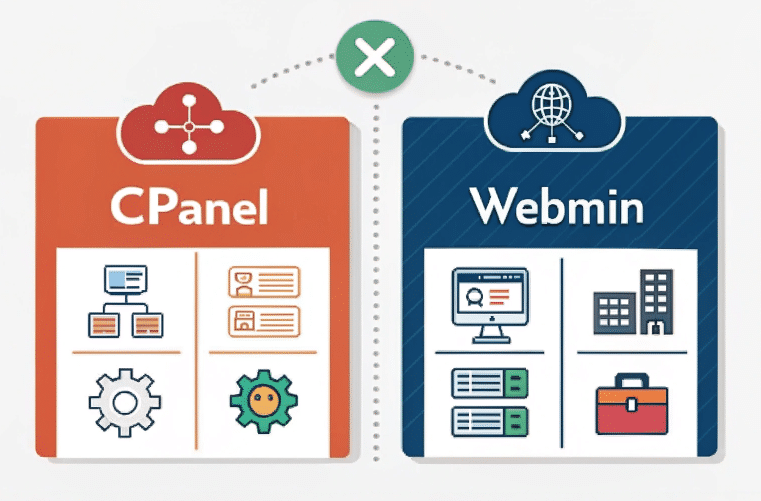
Overview of cPanel and Webmin
cPanel: A commercial control panel known for its user-friendly interface and robust feature set, making it ideal for managing domains, emails, databases, and hosting accounts. It is widely used by hosting providers and resellers due to its scalability and ease of use.
Webmin: A free, open-source control panel focused on server administration. It offers high flexibility and customization, catering to experienced system administrators managing Unix-based systems.
Comparison Table
Feature/AspectcPanelWebminUser Interface (UI)Intuitive, modern, beginner-friendlyBasic, functional, less polishedOperating SystemLinux-onlyUnix/Linux and WindowsDomain ManagementAdvanced tools for domains and DNSBasic domain management (enhanced with Virtualmin)Email ManagementComprehensive tools for email accountsManages mail servers; more manual setupDatabase ManagementIntegrated tools with phpMyAdminManual configuration for MySQL/PostgreSQLBackup & RestoreAutomated backupsRequires manual setupCustomizationLimited to cPanel’s offeringsHighly customizable with additional modulesCostPaid licensesFree and open-sourceIdeal ForBeginners, resellers, small-to-medium businessesExperienced admins needing flexibility
Key Features
cPanel
Simplifies domain, email, and database management.
Offers automated backups, advanced security features (e.g., SSL/TLS), and one-click application installations via Softaculous.
Includes extensive documentation and paid support options.
Webmin
Provides deep server customization with support for Apache, MySQL/PostgreSQL, IPTables firewall, and more.
Extensible with add-ons like Virtualmin (for reseller hosting) and Cloudmin (for cloud management).
Ideal for advanced users comfortable with manual configurations.
Pros and Cons
cPanel
Pros:
User-friendly interface suitable for all skill levels.
Extensive documentation and technical support.
Scalable for resellers.
Cons:
Licensing fees can be costly.
Resource-intensive on servers.
Limited customization options compared to Webmin.
Webmin
Pros:
Free and open-source.
Highly customizable with modular extensions.
Supports multiple operating systems.
Cons:
Steeper learning curve for beginners.
Security risks if not properly configured.
Requires more manual setup compared to cPanel.
Conclusion
The choice between cPanel and Webmin depends on specific needs:
Choose cPanel if you prioritize ease of use, robust support, and scalability—ideal for resellers or small-to-medium businesses.
Opt for Webmin if you need flexibility, cost-efficiency, and are comfortable with advanced server configurations—perfect for experienced system administrators managing Unix-based systems